Department
3D Art, Archviz & Game Asset Creation
Build worlds. Sculpt reality. Visualize the future.
Department Overview
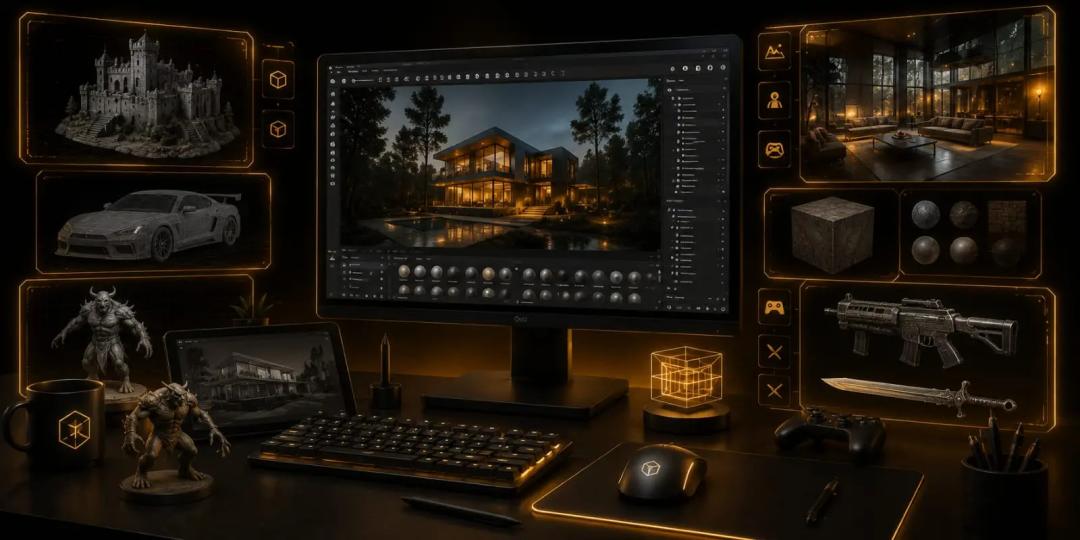
A 3D model can become many things. It can be a character in a game, an environment in a film, a product in an advertisement, or a room that has not been built yet. The difference is not only the software. It is knowing how to create the right kind of asset for the job.
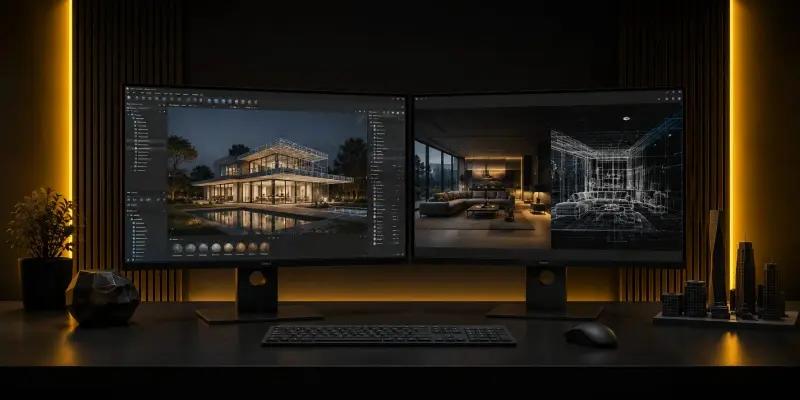
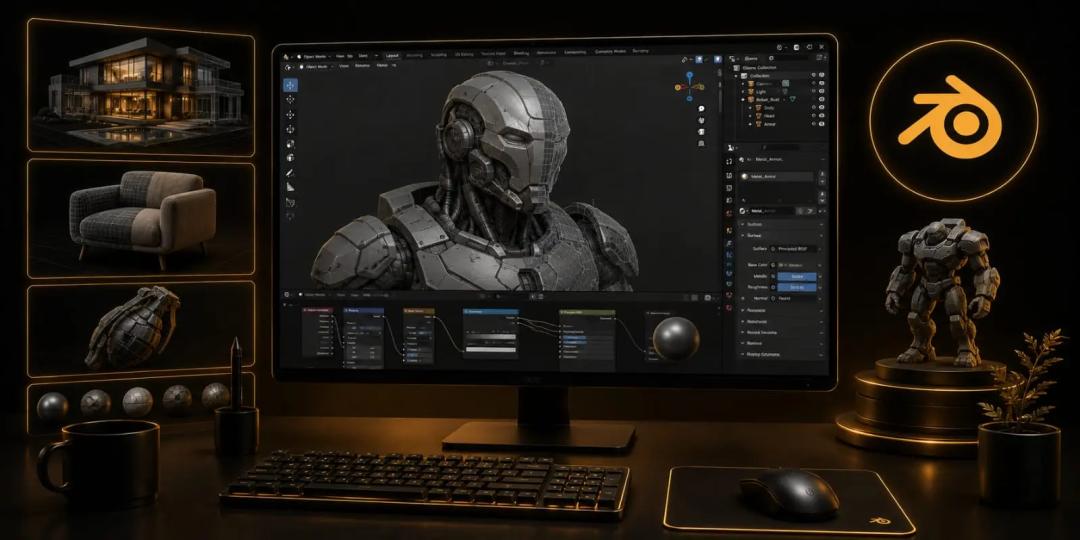
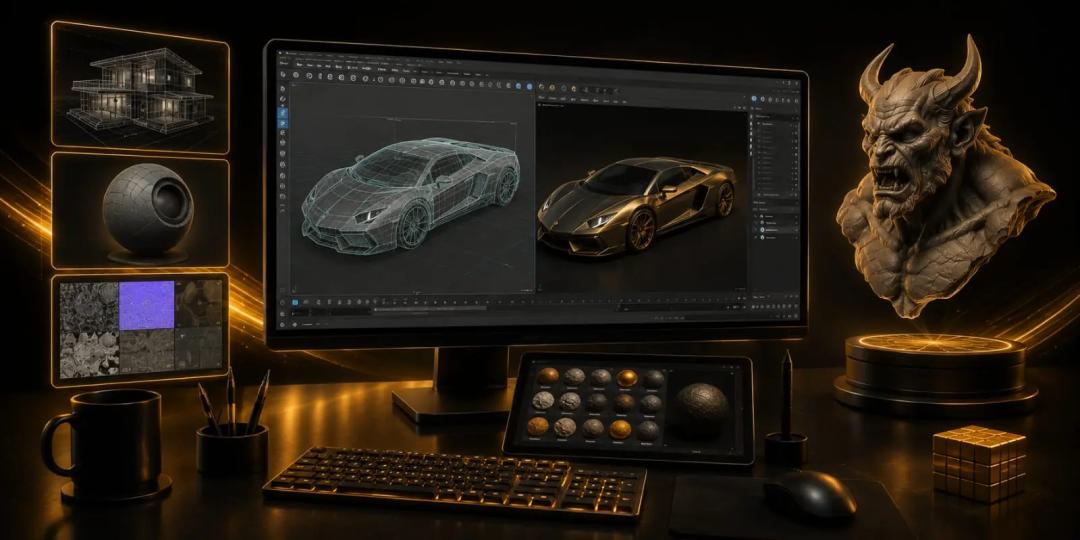
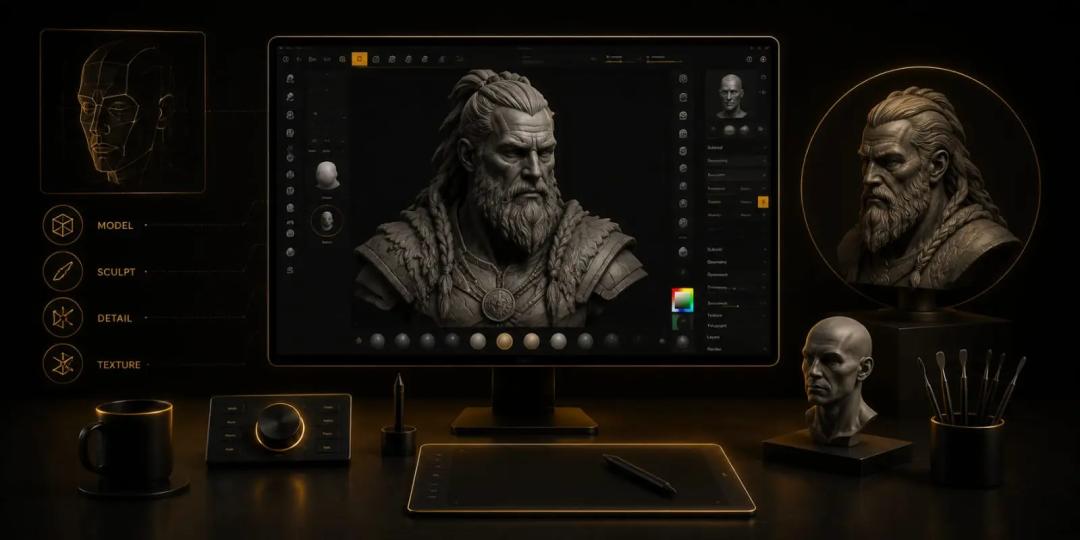
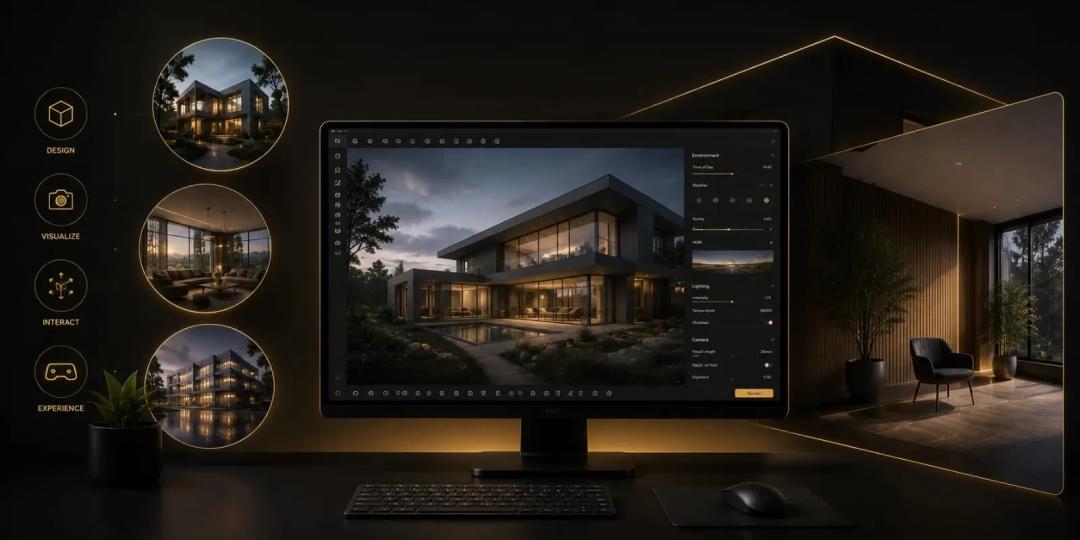
That is where this department at OREAL World begins. Instead of treating 3D as a broad skill, the programmes give students different routes into the field. One focuses on modelling and texturing with Blender. Another uses Maya. Character Creation & Digital Sculpting moves towards characters, while Archviz & Real-Time Visualization focus on built spaces and immersive visualisation. The Career Program brings these areas together.
Across these paths, students learn to turn references and ideas into finished 3D work. Form, topology, materials, textures, lighting, composition, and presentation all become part of the process. The emphasis is on understanding how a 3D asset is made and where it fits within a larger production.
This creates room for different career directions. Someone interested in games may want to build game assets. Another student may prefer character work. Someone else may find a stronger fit in architectural rendering and 3D visualisation.
At OREAL World, practical projects help students discover that direction while building work for their portfolios. The result is not one fixed definition of a 3D artist, but a foundation that can lead towards 3D modelling, character art, game assets, architectural visualisation, and other digital production roles.
Ecosystem & Proficiency
Software We Master
 Blender
 Maya
Maya 3ds Max
 ZBrush
 Marmoset Toolbag
 Unreal Engine
Professional Courses
FAQ — 3D Art, Archviz & Game Asset Creation
Students can work on a wide range of digital assets, including 3D models, characters, environments, props, architectural spaces, game assets, and visualisation projects. The type of work depends on the specialisation they choose.
Yes, the underlying principles of modelling, materials, lighting, and presentation are relevant to both. However, the production requirements differ. Game assets often need optimisation for real-time use, while architectural visualisation places greater emphasis on spatial accuracy, materials, lighting, and presentation.
Your choice should depend on the type of work you enjoy making. Blender and Maya can lead towards broader modelling and asset workflows; character programmes suit students interested in people and creatures, while Archviz is more suited to those interested in buildings, interiors, and spaces.
Strong drawing skills can be helpful, particularly for character and visual development work, but they are not a requirement for learning 3D modelling. Observation, proportion, form, patience, and the ability to work from references are equally important.
A professional asset needs more than visual detail. Its geometry, topology, UVs, materials, textures, scale, and optimisation all need to suit the intended production environment.
Want the full curriculum?
Get the 2026 Course Guide and Career Outcomes report.
Career Trajectories
Our students turn creativity into career opportunities through production-focused learning and industry exposure.
Technical Track
- Technical Artist
- Gameplay Programming
- Engine Developer
Creative Track
- Level Designer
- UI/UX Designer
- Narrative Designer
Production Track
- Game Producer
- Esports Manager
- Creative Director