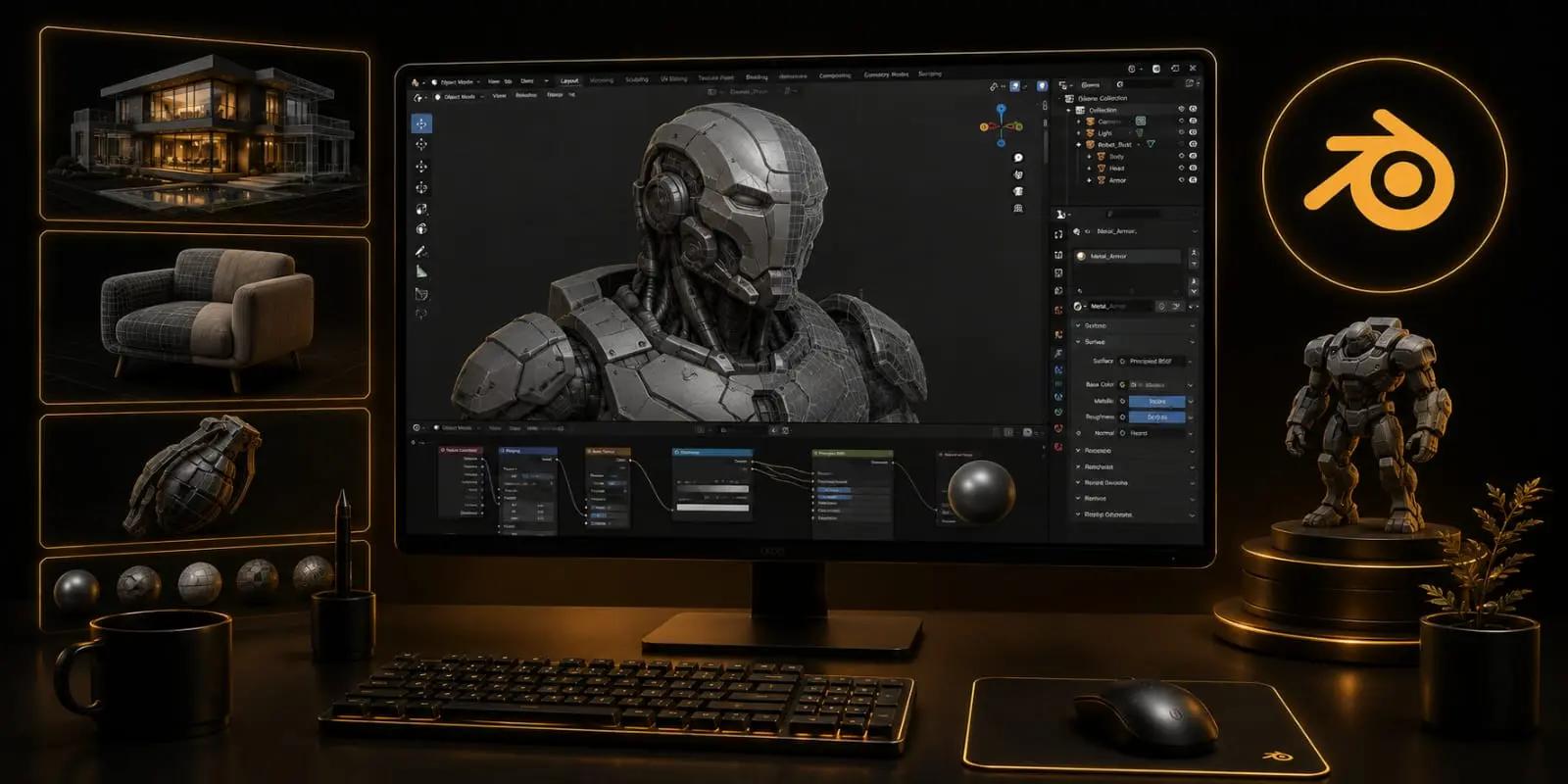
3D Modeling & Texturing With Blender Program
3D Modelling & Texturing Professional Course in Noida (Blender)
Start with something simple: a shape, a reference image, or an object sitting in front of you. The challenge is to rebuild it in three dimensions without losing what makes it recognisable. That is where Blender becomes the workspace.
The programme at OREAL World takes students through the decisions behind a 3D model, from basic forms to cleaner and more detailed assets. Instead of learning tools in isolation, students use them while creating objects and developing their understanding of proportion, geometry, topology, and surface detail.
Once the form is ready, the model needs a surface. UV mapping prepares it for textures, while materials help recreate qualities such as wood, metal, glass, fabric, or plastic. Lighting and rendering then show whether those decisions work together.
The value of this process is that students see the whole asset being built rather than treating modelling and texturing as separate software exercises. Each stage affects the next, and every finished model becomes a chance to improve both artistic judgement and technical control.
With practical work developed through the programme, students can build a portfolio that demonstrates their ability to create complete 3D assets in Blender. That foundation can support roles such as 3D Modeler, 3D Artist, Texture Artist, or Game Asset Artist.
What You'll Learn in 3D Modelling & Texturing program
Software Covered
3D Modeling
UV Mapping & Texturing
Portfolio Production
Your FutureStarts Here
3D Artist
Game Asset Artist
Environment Artist
Projects & Portfolio
Frequently AskedQuestions
Everything you need to know before starting the 3D Modeling & Texturing With Blender Program program.
Blender brings modelling, UV work, materials, texturing, lighting, and rendering into one environment. This allows students to understand how different stages of asset creation connect rather than learning modelling as an isolated skill.
Students can work with different forms and references to understand hard-surface and general 3D modelling techniques. The objective is to develop the ability to interpret a reference and rebuild it as a usable 3D asset.
UV mapping determines how a 2D texture is placed across a 3D model. Poor UVs can cause stretching, visible seams, or incorrectly positioned details, which is why UV preparation is an important part of the asset workflow.
Not necessarily. More geometry does not automatically mean better modelling. The right amount of geometry depends on the asset, its intended use, the required level of detail, and how efficiently the model needs to perform.
Texturing adds surface information that helps communicate what an object is made from and how it has been used. Combined with appropriate materials and lighting, it can make a simple form appear much more convincing.