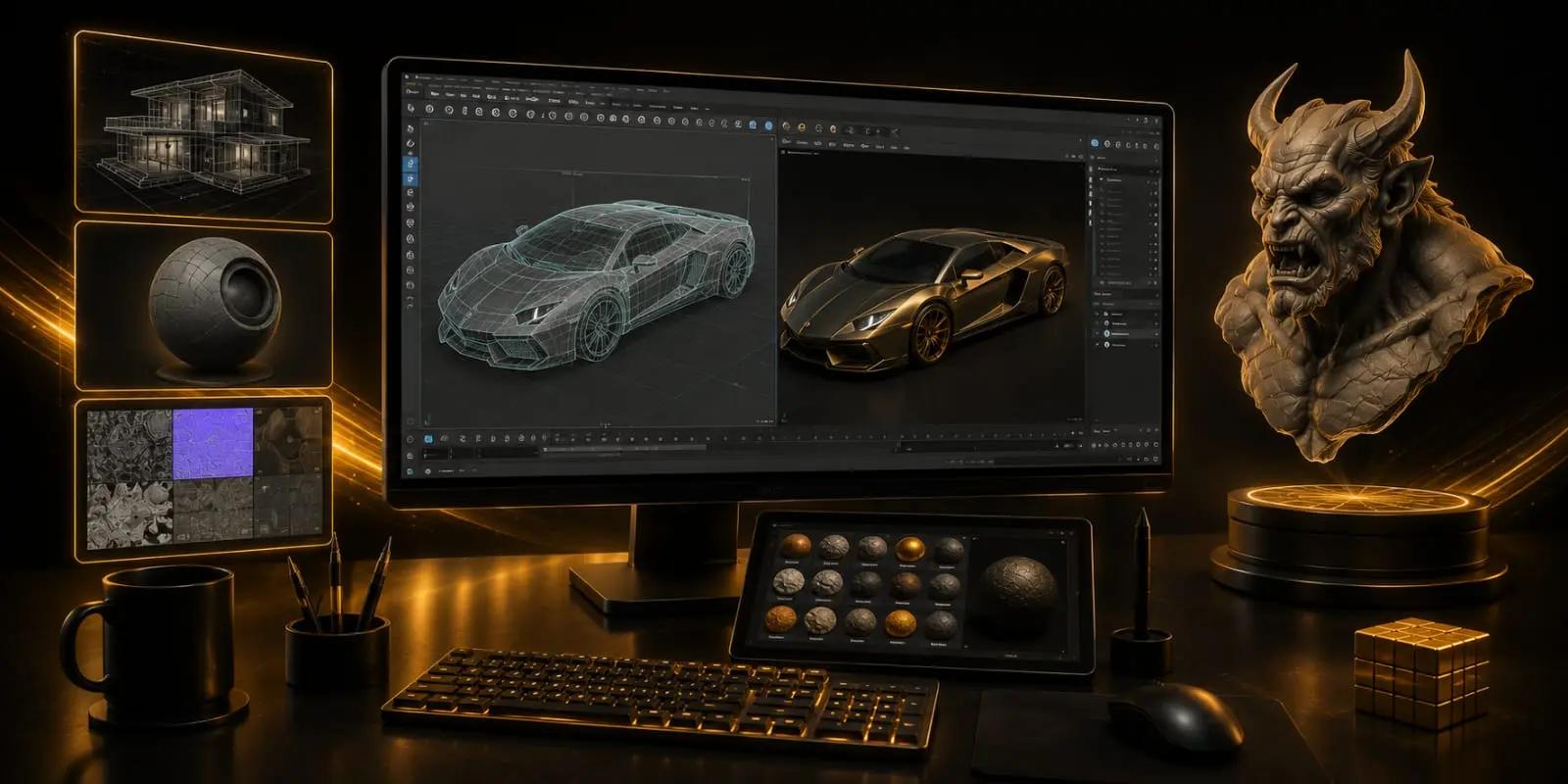
3D Modeling & Texturing With Maya Program
PROFESSIONAL 3D MODELING & TEXTURING PROGRAM WITH MAYA IN NOIDA
Good 3D work is not only about adding more detail. A model may have hundreds of small details and still be difficult to use. Poor topology can make later work harder. Bad UVs can affect the texture. Weak materials can make a carefully built model look flat.
The Maya programme at OREAL World approaches 3D modelling with this production mindset. Students learn to build forms while paying attention to structure, proportion, topology, and clean geometry. As the model develops, UV mapping and texturing become part of the same workflow rather than an afterthought.
This also changes how students look at a finished asset. They learn to ask whether the model works from different views, whether its surface supports the intended material, and whether the final presentation communicates the quality of the work.
Maya therefore becomes more than the software being taught. It becomes the environment in which students learn to make better production decisions.
Through practical assignments, students develop work that can demonstrate their modelling and texturing skills. This can prepare them for roles such as 3D Modeler, 3D Artist, Texture Artist, and Game Asset Artist, depending on the direction they choose later.
What You'll Learn in the 3D Modelling & Texturing with Maya program
Software Covered
Production Modeling
Texturing Pipeline
Portfolio Development
Your FutureStarts Here
3D Artist
Asset Artist
Production Artist
Real Projects.Real Portfolio.
Frequently AskedQuestions
Everything you need to know before starting the 3D Modeling & Texturing With Maya Program program.
Learning the software teaches you how its tools work. A production-focused approach also teaches you how to make decisions about geometry, topology, UVs, materials, and presentation so that the final asset is actually usable.
Topology controls how the geometry is structured. Clean topology can make models easier to edit, texture, deform, or develop further, while poorly organised geometry can create problems later in production.
Yes. Maya can be used across different 3D workflows, including modelling, environments, props, and other digital assets. The specific direction depends on the type of production and the artist's specialisation.
Look beyond the overall appearance. Check the proportions, geometry, topology, UVs, material response, texture placement, and presentation from multiple views. A model that looks good from one angle may still have underlying problems.
It can be. More important than the software name, however, is learning transferable production principles such as modelling accuracy, topology, UV preparation, material creation, and presentation.