Graphic Design vs UI/UX Design: Which Is Right for You?
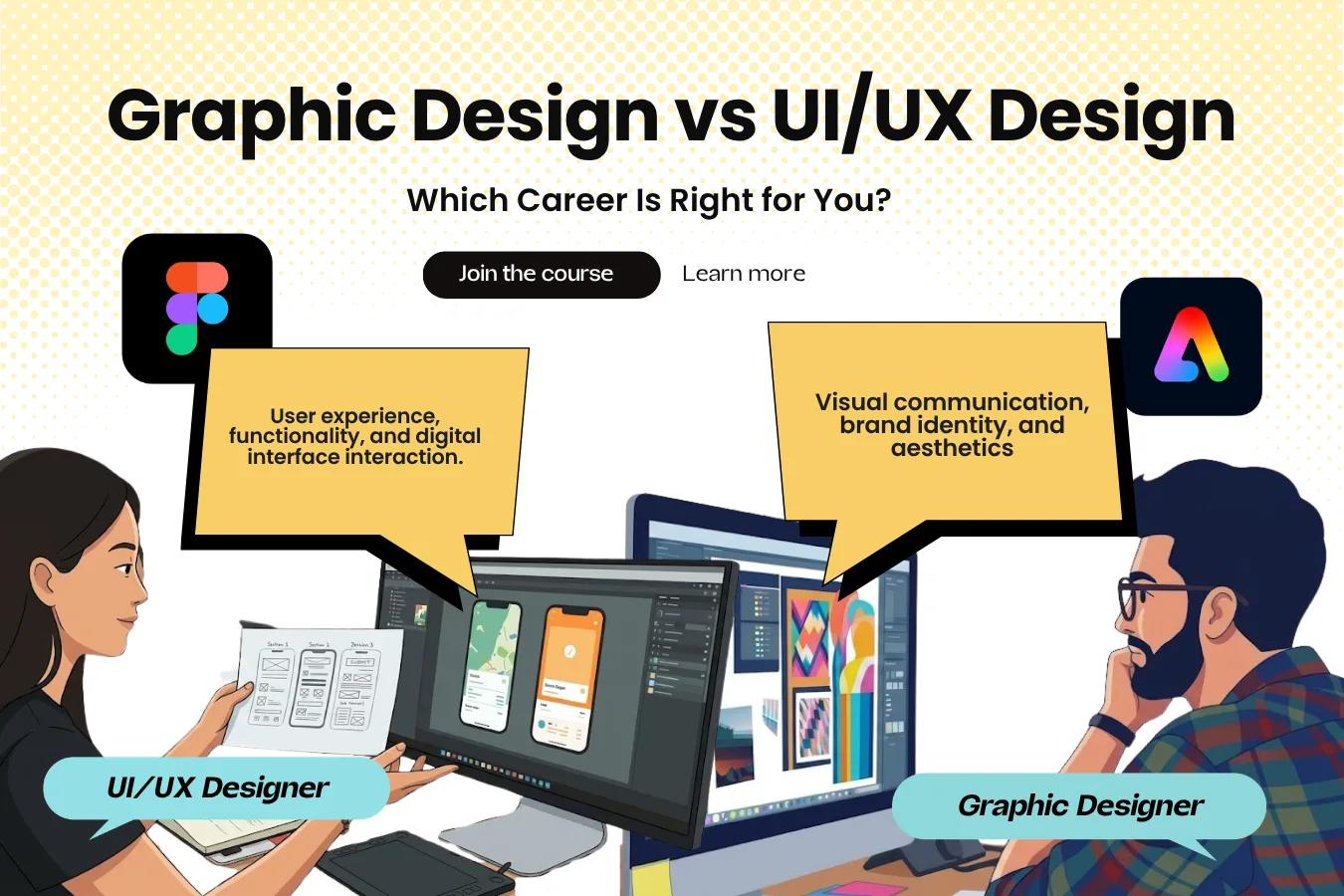
Compare graphic design vs UI/UX design, including key differences, skills, tools, career options, and courses to choose the right design career.
Both Graphic design vs UI/UX Design are fulfilling careers. It really comes down to interest and personal goals. Graphic design is the art and science of communicating an idea or message utilising images, type, and other visuals. UI/UX design focuses on a website, app or other digital product and considers how a user interacts with that product.
There are many tools of the trade for each, and while similar skills and qualities can benefit both, the end results for each can vary greatly. Here, we’ll break down graphic design and UI/UX design, look at their respective careers and decide which design field is right for you.
We’ll also provide insight on choosing the right graphic design or UI/UX design course.
Graphic Design vs UI/UX Design: Key Differences
Purpose and outcome are the main differences between graphic design and UI/UX design. Graphic design communicates a message or idea with imagery and other graphics, while the main focus of UI/UX design is how a user interacts with a digital product. The table below shows other differences between the two designs.
Factor | Graphic Design | UI/UX Design |
Main focus | Visual communication and branding | User experience and digital interfaces |
Daily responsibilities | Making visuals, adapting designs for multiple formats, and carrying out changes based on feedback | Understanding user needs and behavior, designing interfaces and improving usability |
Common projects | Posters and graphics for social media and advertisements, packaging, etc | Websites, mobile applications and dashboards, and interactive prototypes |
Key skills | Typography, colour theory, layout and visual hierarchy | User research, information architecture, wireframes and usability testing |
Common tools | Photoshop, Illustrator and InDesign | Figma, FigJam and Miro |
Where they work | Design studios, ad agencies, media companies, marketing teams and freelancing | Startups, digital agencies and product companies |
Career options | Graphic designer, brand designer, visual designer and packaging designer | Interface designer, user experience designer, UX researcher and digital product designer |
Portfolio | Branding projects, ads, packaging and campaigns | Case studies, user flows, screens and design changes |
Coding | Usually not required | Usually not required |
Learning approach | Studying visual principles and practising layouts, typography, colour and image composition | Improving user research skills and practising wireframing, prototyping and testing designs |
Best suited for | Individuals who enjoy creating visual stories and brand identities | Individuals who enjoy simplifying things and making them more intuitive for others to use |
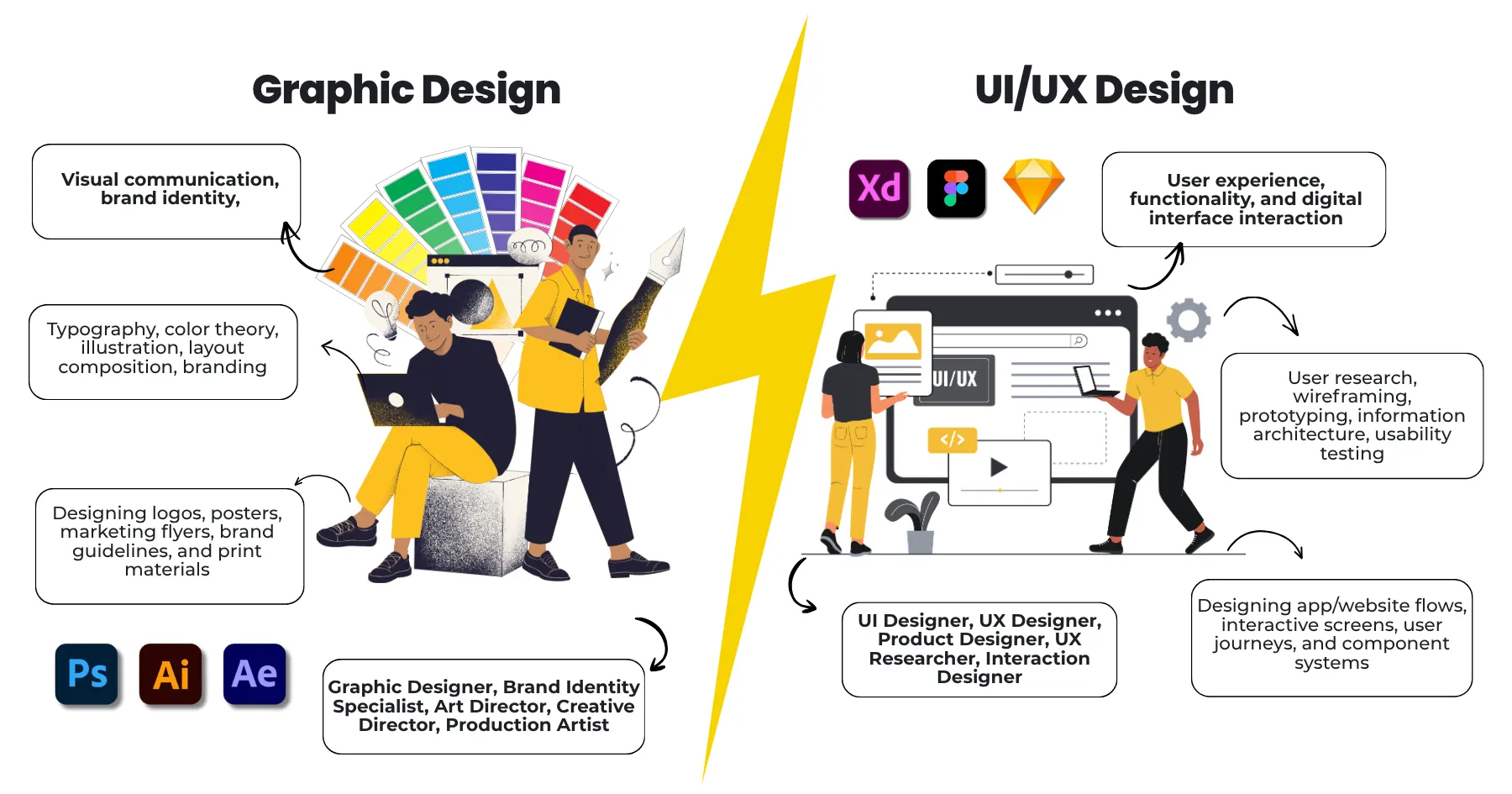
There are differences in how creativity is used in the two fields. A graphic designer’s job is to craft imagery and visuals to convey a particular message. Meaning, the job of a graphic designer is more message-oriented. UI/UX design on the other hand, is more concerned with making digital products in such a way that users are able to move through various pages, complete tasks, and achieve goals without any hassle or frustration.
What Does a Graphic Design Career Involve?
Because of the pervasive nature of visuals, images and messages in our world, graphic design can be found virtually anywhere. Graphic design is involved in creating ads, magazines, product packaging, websites, digital banners, and much more. Other times, a graphic designer may incorporate the elements and principles of design to make messages to be employed in other formats. This may be the case when a graphic designer is tasked to create a booklet to be uploaded to a website.
Logos and brand identity
Posters, brochures and advertisements
Product packaging
Social media posts and digital ads
Presentations and marketing material
Editorial layouts and illustrations
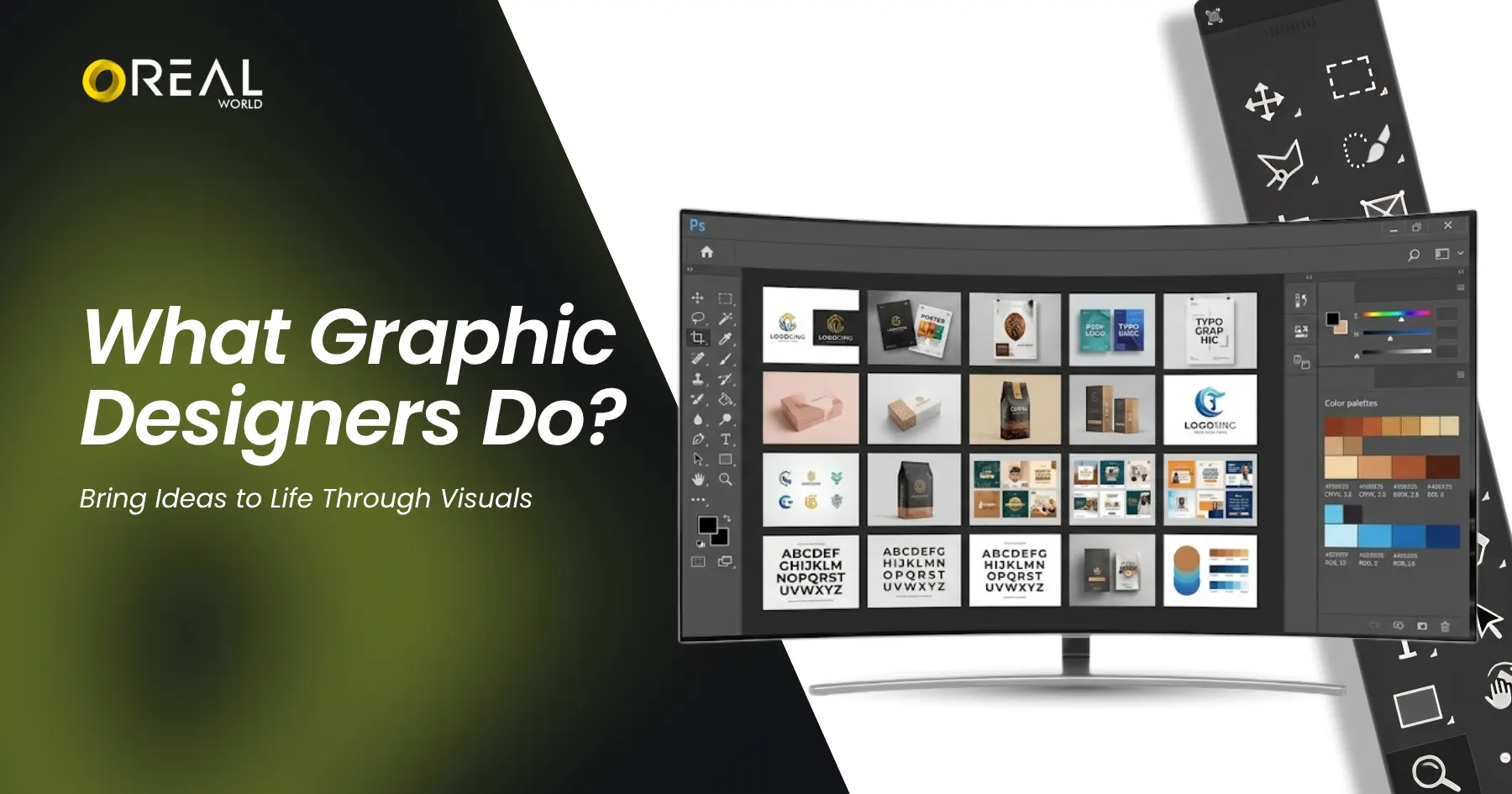
Let’s imagine a local cafe launches a new coffee. The graphic designer makes the coffee logo, the cup design, the menu and social media posts, all within the same style. Slowly but surely, people start recognising it by its look.
Skills and Tools for Graphic Designers
Typography and colour theory
Layout and visual hierarchy
Branding and keeping a consistent look
Image editing and vector graphics
Reading a design brief and taking feedback
Photoshop is where the editing and the final touches on photos happen. To create logos and sharp vector artwork, we use Illustrator. The program of choice for anything with many pages, like a brochure or magazine, is InDesign.
What is a Career in UI/UX Design Like?
UI/UX design builds websites, apps, and dashboards that help end users navigate with the least amount of confusion. While they work closely together, the fields of UI and UX look at different components of a design.
UX stands for user experience. It looks at the user’s whole journey. What does the user need? Where might they get stuck?
UI stands for user interface. It covers the things you see and tap, like buttons, menus, spacing and screen layouts.
Let's think about a food-ordering app again. UX design is concerned with the flow users take to pick a restaurant, select a dish, and eventually place an order. UI design is concerned with the interface elements and how users engage with the various buttons, menus, and layouts, as well as the types of feedback users get.
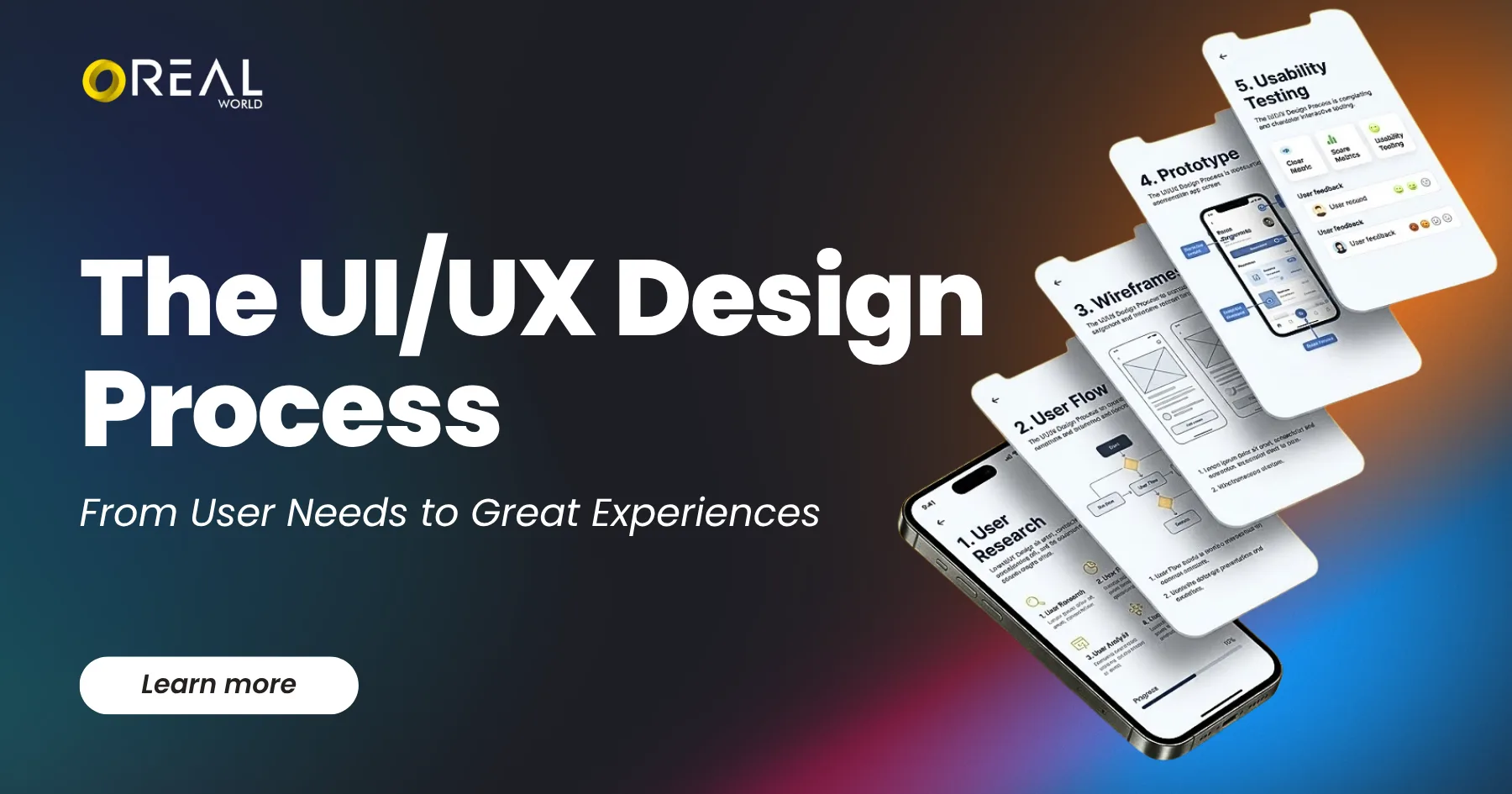
Some companies have different designers handle UI and UX duties, while others have a single designer handle both. This is based on various circumstances like the size of the design team, the project being undertaken and the overall configuration of the company.
Knowledge and Tools for UI/UX Designers
User research and problem solving
User journeys and information architecture
Wireframes and prototypes
Interface and interaction design
Usability testing
Working with developers and product teams
Figma is the most popular tool to design and prototype screens. For brainstorming and mapping out user journeys, FigJam and Miro are also popular.
Design-only roles don’t usually require coding skills, but it’s helpful to have a basic understanding of HTML and CSS in order to speak the same language as developers.
Career Opportunities: Graphic Design vs UI/UX
With UI/UX, you'll find that one company may emphasize a particular aspect while another company may split the aspect among several people. Your current employer, your level of experience and your specialization will also determine the rest. Every company from a design studio to a large corporation to a startup will shape your career in UI/UX differently.
Career Options in Graphic Design
Junior Graphic Designer: makes visuals for ongoing projects
Brand Designer: builds logos, brand looks and guidelines
Visual Designer: creates visuals for digital platforms and campaigns
Marketing Designer: makes promotional graphics and ads
Packaging Designer: design packaging that represent a product
Motion Graphics Designer: adds animation to designs
Art Director: decides how a project should look, and usually that call comes after years of experience
Your first job in design could be in a design studio, advertising agency, media company, or on a brand’s marketing team. Or you may opt to work for yourself and freelance.
UI/UX Career Options
UI Designer: designs screens and interface elements
UX Designer: Considers the user's journey, writes user stories and simplifies designs by focusing on how different users will interact with the application.
UX Researcher: studies user behaviour and feedback
Interaction Designer: plans how users interact with a product
Product Designer: handles user needs, product structure and the interface
Web or Mobile App Designer: Designs user interfaces for mobile and web applications.
Design System Designer: Creates reusable design units to maintain consistency of a product.
These jobs are at product companies, startups and digital agencies.
Job Opportunities in Graphic Design vs UI/UX Design
UI/UX and Graphic Design job openings are a function of experience, skill set and your location and the hiring need at that point of time.
Check what jobs are open to get an idea of what titles are available and what companies expect in terms of experience and skills.
Doing a bit of research beforehand will give you the edge:
Search for entry-level graphic design and UI/UX jobs on a job portal
Open five job posts for each
Note the skills, tools and portfolio work they ask for
This tells you far more than a general salary claim ever will.
What Career is Right for You?
While thinking about Graphic Design vs UI/UX Design, thinking about titles will help give you an idea of what you may want to look into further. The enjoyment you get from creating an end product will help you determine which of these you will enjoy doing for the long haul.
Graphic design may be for you if you enjoy creating things like:
Making logos, posters and brand identities
Playing with colours, fonts and layouts
Telling ideas through pictures
Keeping one brand style across different formats
UI/UX design may suit you if you enjoy:
Noticing when a website or app is hard to use
Understanding how people think and behave
Turning confusing information into clear steps
Being curious about digital design
Testing ideas and fixing them after feedback
Quick Decision Guide
If you say this | Look at |
“I love designing logos and posters.” | Graphic design |
“Confusing apps annoy me.” | UI/UX design |
“I want to work on brands and campaigns.” | Graphic design |
“I enjoy understanding user problems.” | UI/UX design |
“I want to design apps and websites.” | UI/UX design |
“I really can’t decide.” | Try a small project in each field |
Not sure which way to go? Give yourself two mini assignments. One is a poster plus a social media post for a pretend bakery. The other is a small movie ticket booking app, built in Figma with a handful of screens you can tap through.
Whichever one you didn’t want to stop working on is your hint, and taking a full week to decide is perfectly fine.
What Should Your Design Portfolio Include?
A portfolio is a great way of showing your skills and thought process. Don’t just add the projects, but also add a valid reason why you chose them.
For a graphic design portfolio, add:
A logo and brand identity project
Packaging design
A poster or ad campaign
Social media graphics
A brochure or editorial layout
For each one, say who it was made for and why you chose certain looks. If it was a practice project, label it clearly.
For a UI/UX design portfolio, add:
The problem you wanted to solve
Your users and what they need
User flows and wireframes
The final screens and a prototype
Any usability testing you did
What you changed and what you learnt
Stay honest to your work. Don’t claim the increase in sales due to a design or app unless you can prove it.
Choosing the Best Graphic Design or UI/UX Course
When evaluating graphic design and UI/UX design courses, look beyond the course modules and programs. Take into account projects, curriculum, instructor feedback, course duration and after course placement support. The course should equip you with the skills to build an employment portfolio and showcase work.
Here’s a quick checklist to review before enrolling:
Duration and Schedule: How many months, how many classes, class hour duration and batch timings.
Curriculum: Does it cover the skills and concepts to help you achieve your career goals?
Hands-on Projects: Are there actual projects, or are the projects software demonstration projects?
Portfolio work: Which projects will you finish and show
Mentor feedback: Do instructors review your work and help you improve it
Tools and software: Which ones are part of the course
Fees and support: total cost, payment options, and career help
Eligibility: entry requirements, so there are no surprises
How do you know if a course is effective? Ask for project samples from people who have finished the course. Then open a few live job posts. Make sure the syllabus covers the skills listed in the job posts. The value in a course is determined by how much you can build with it. A gigantic list of software or flashy graphics don’t add value to the course.
Can a course get you hired? Not alone. Portfolio, interview prep, and the vacancies around you matter too.
Explore Graphic Design and UI/UX Courses at OREAL World
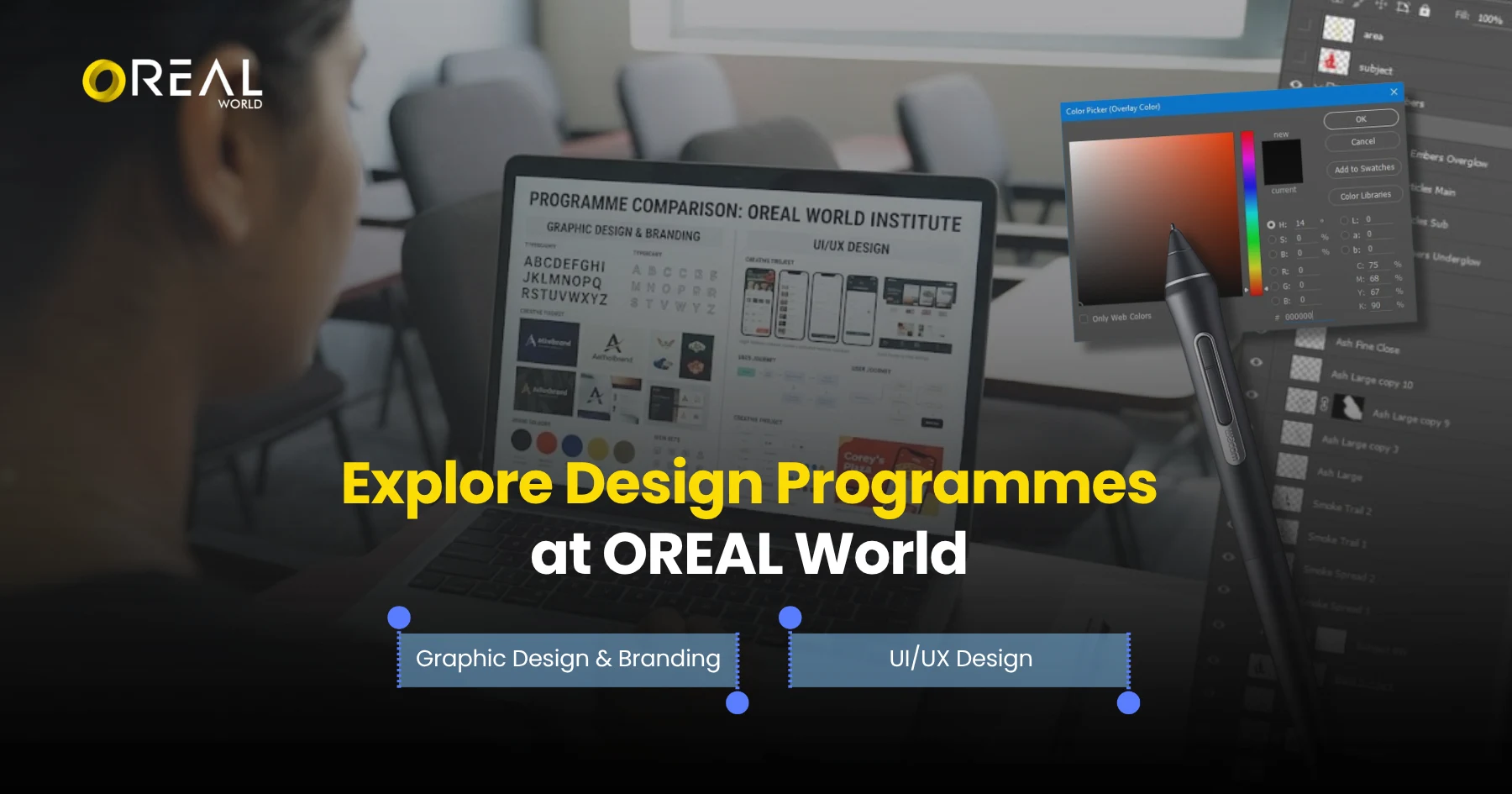
OREAL World, Design & Media department, Noida offers Graphic Design & Branding and UI/UX Design courses. Before selecting one of the courses, have a look at the courses offered by various training institutes and check the syllabus, learning outcomes, and practical projects. Each of these courses is mentioned in the draft as 4 month course with 48 classes. Confirm the present status of the courses and other details from the admissions team.
Course | Duration | Classes | Practical work | Good fit if you enjoy |
Graphic Design & Branding | 4 months | 48 | Design projects for brands and marketing | Logos, packaging, ads and brand identity |
UI/UX Design | 4 months | 48 | Interactive designs for websites and mobile apps | User journeys, websites and apps |
Graphic Design & Branding Program
The course is for you if you want to learn how brands look and speak through design. The topics listed in the course information are:
Design basics
Typography and colour theory
Photoshop and Illustrator
Branding and visual identity
Packaging design
Advertising design
See the full syllabus on the Graphic Design & Branding Programme at OREAL World.
UI/UX Design Program
The UI/UX Design programme is for you if you want to design digital products people enjoy using. The topics listed in the course information are:
User research
Journey mapping
Information architecture and user flows
Wireframing
Interactive prototyping
Website and mobile app design
Design systems
Fees and batch dates are shared by the admissions team. You can read about each full course in the design & media programmes.
Frequently Asked Questions
What is the difference between Graphic Design and UI/UX Design?
On posters, packaging, hoardings, and social media, what you see is graphic design. What you touch, tap, and/or use on websites and apps is UI/UX design. Graphic design conveys a message, while UI/UX design helps achieve ease of use.
Is it possible for a graphic designer to become a UI/UX designer?
Absolutely. Making the transition from graphic design to UI/UX design is possible by learning and understanding user research, user flows, and how to wireframe and prototype. To top it all off, learning usability testing will help strengthen your case in bridging the design gap. The best way to present this knowledge to your potential future employer will be to create a UI/UX case study and include it in your portfolio.
Will I need coding for UI/UX design?
Not really to get started. Design jobs do not require writing code, and a basic understanding of HTML and CSS can help you to conceptualize and articulate design constraints to a developer.
Which career is more rewarding, graphic design or UI/UX design?
Neither field is always the clear-cut winner. Both fields have similar salaries depending on years of experience, and it varies greatly city to city and company to company. Keep in mind salary ranges when looking at job posts and deciding which field you want to go into, graphic design or UI/UX design.
What is the best course after Class 12?
The best course after Class 12 is the course that aligns with your interests and future goals. Graphic design draws upon a person’s interests in imagery, branding and type, and thus may appeal to a person with a keen interest in branding and type. UI/UX design may appeal to a person who is interested in interfaces, interactivity, and helping users achieve a goal. Consider the eligibility criteria of a course prior to admission.
Which is more creative: graphic design or UI/UX design?
Both designs are creative in their own ways. Graphic design is creative with its use of type and imagery to tell a story and create a brand. UI/UX design is creative in its use of design to help create a digital product that is intuitive and helps users achieve a goal.
Final Verdict: Graphic Design or UI/UX Design?
Graphic Design or UI/UX Design is less about settling for the "worse" field and more about choosing the one that aligns most with your interests and skills. If arranging visual elements, expressing ideas or stories through graphics, or branding is a passion of yours, graphic design is more suitable. If you wish to explore how to enrich the experiences of end users through different means and channels and improve overall usability, then UI/UX design is something to consider.
Ready to explore your options? Discover the Graphic Design & Branding programme and the UI/UX Design programme at OREAL World to compare their curricula and find a programme aligned with your career goals.